SecurityFeature
Passwords are finally dying. Here’s what replaces them.
Passkeys now work on most major sites and every major platform. The hard part isn’t the technology anymore — it’s convincing people to trust it.

By Kwame Asante
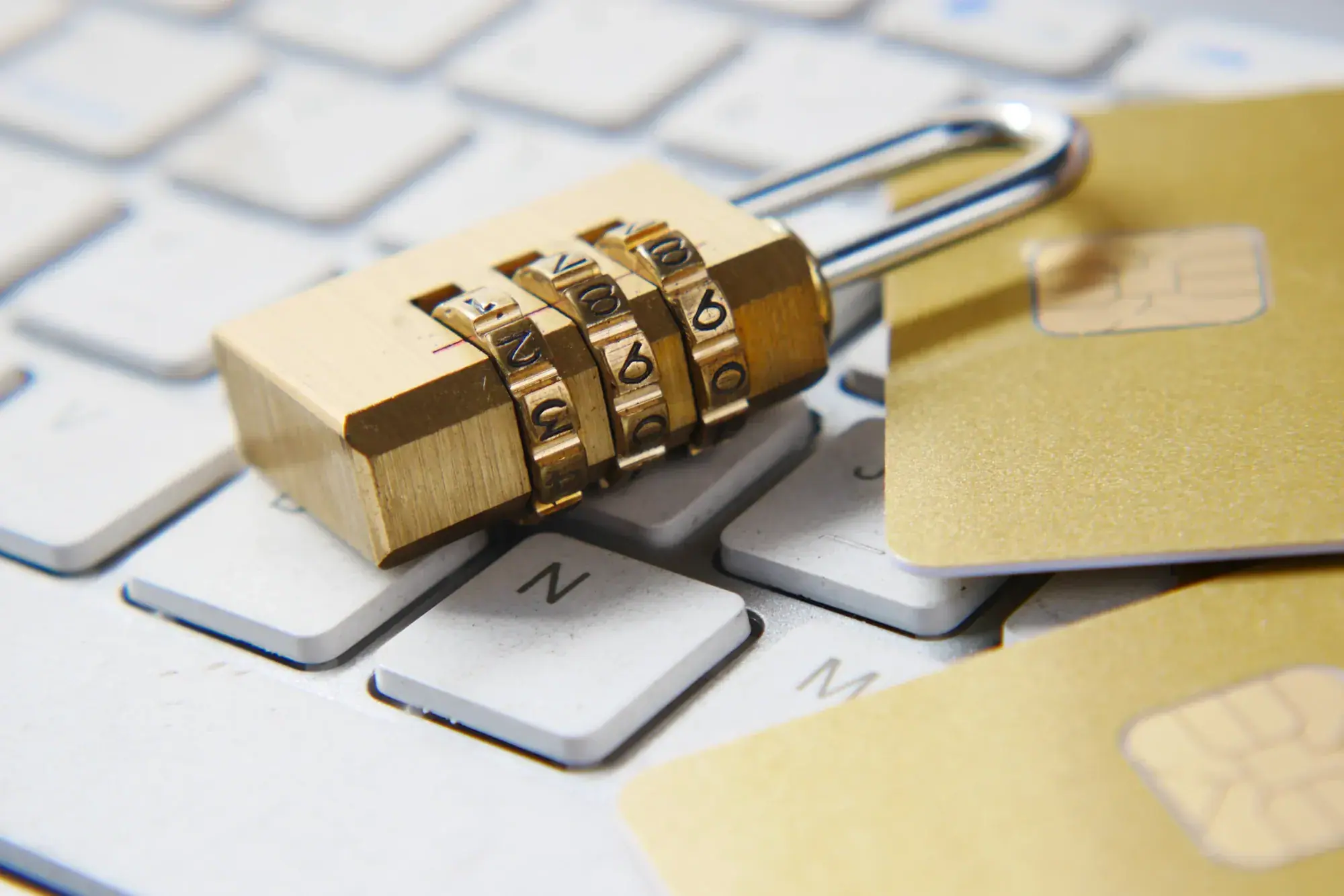
If you have created an account on a major website this year, there is a good chance you were offered a passkey instead of a password — and a better-than-even chance you tapped “Not now.”
That reflex is the biggest obstacle left. Passkeys, built on an open standard backed by the largest platform companies, replace the shared secret of a password with a pair of cryptographic keys. The private half never leaves your device. There is nothing to phish, nothing to reuse and nothing to leak in a breach.
How a passkey works, in plain English
- When you sign up, your device creates two keys: one public, one private.
- The website stores the public key. Your phone or laptop keeps the private key, locked behind your fingerprint, face or PIN.
- When you sign in, the site sends a challenge only your private key can answer. You unlock your device, and you’re in.
“A password is something you know, and you can be tricked into giving it away. A passkey is something you have — you can’t hand it over by accident.”
What still goes wrong
Switching ecosystems remains clumsy. Moving passkeys between platforms is now possible, but it is still a multi-step process most people will attempt exactly once. Shared family accounts are awkward, too: a passkey belongs to a device, not a household.
Recovery is the other weak spot. Lose every device that holds a passkey without a backup and you are back to email resets — which makes your email account the key to everything. Protect it accordingly.
Our advice
Say yes to passkeys on the accounts that matter most — email, banking and your password manager — and enrol a second device or a hardware security key as a backup. The password isn’t gone yet. But for the first time, you can start acting as if it were.

Written by
Kwame Asante
Security Reporter
Kwame covers privacy, security and the policy fights around both. He has never reused a password, and he will tell you about it.
More from Kwame